> ## Documentation Index
> Fetch the complete documentation index at: https://docs.opensesame.dev/llms.txt
> Use this file to discover all available pages before exploring further.
# Importing Endpoints
> Integrate your endpoints inside a Cell.
Cells can connect directly to your APIs. When you upload an API specification, OpenSesame automatically builds an MCP server behind the scenes. This allows your users to interact with your API through natural language.
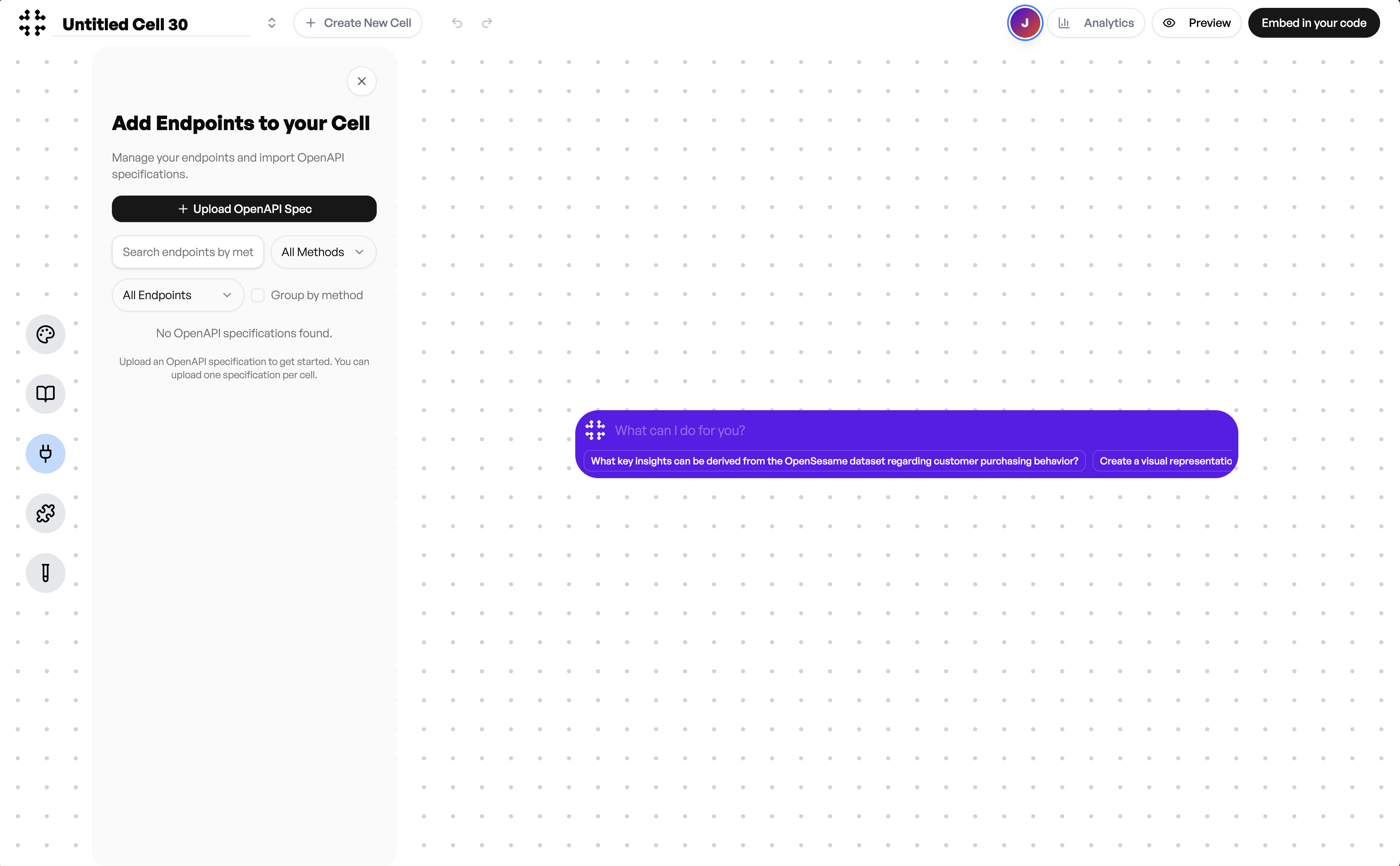 To add your endpoints:
1. Click **Upload OpenAPI Spec**.
2. Choose your `.yaml` or `.json` file. This file can come from your existing Swagger or OpenAPI documentation.
* If you do not have a spec file, contact our team and we can generate one for you.
* You can also enrich your file with additional endpoint descriptions to improve response quality.
To add your endpoints:
1. Click **Upload OpenAPI Spec**.
2. Choose your `.yaml` or `.json` file. This file can come from your existing Swagger or OpenAPI documentation.
* If you do not have a spec file, contact our team and we can generate one for you.
* You can also enrich your file with additional endpoint descriptions to improve response quality.
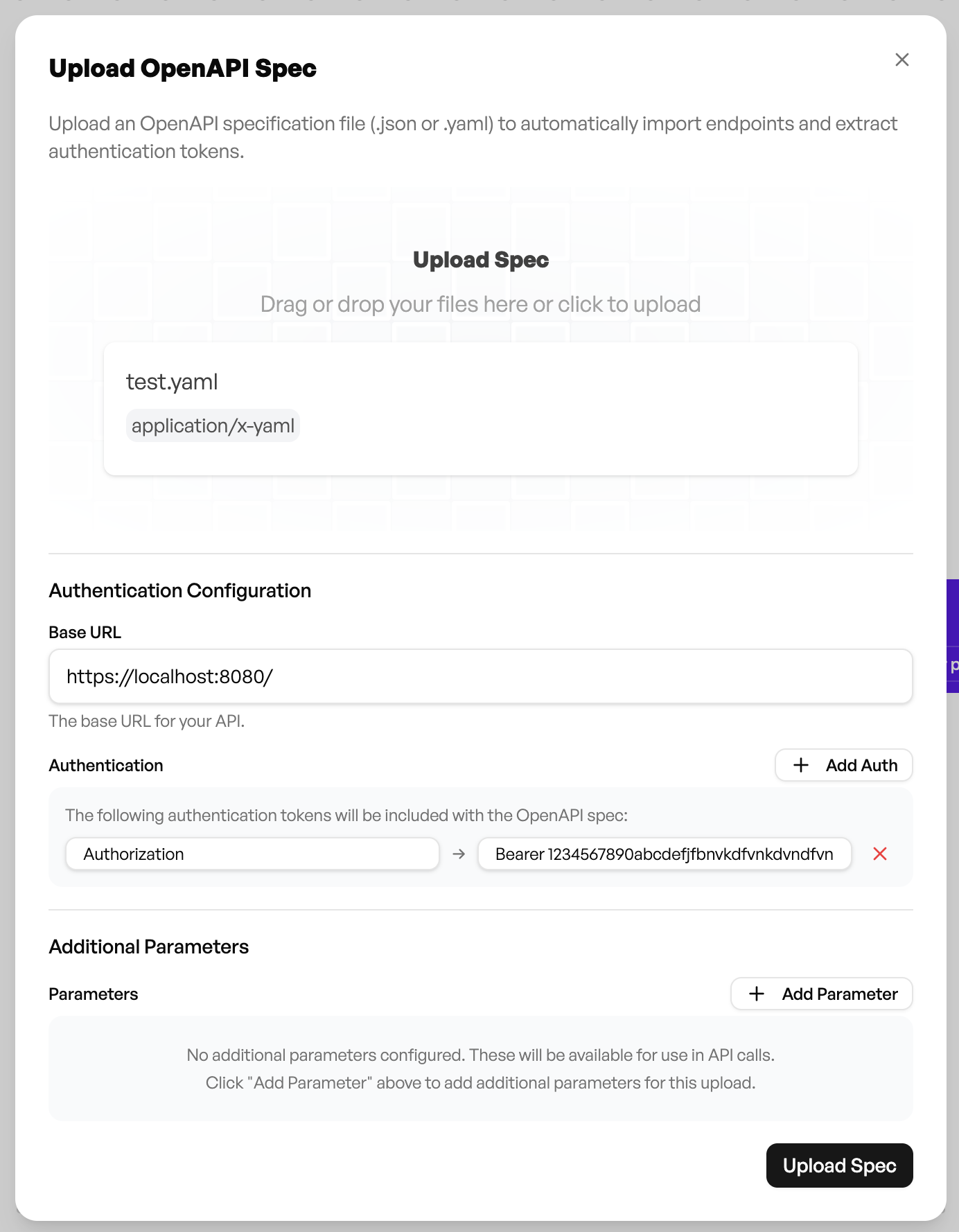 3. **Add your Base URL, authentication tokens, or additional parameters if required.**
> **Note:**\
> When setting up for testing, you may use a single static auth token. This is fine for quick verification.\
> However, this **should not be used in your live embed**, since auth tokens often expire.\
> For production, replace the static token with a **runtime variable** (for example `${authToken}`) so your application dynamically injects a fresh token whenever the Cell loads. This ensures users remain authenticated and prevents token expiry issues during use.
4. Once uploaded, OpenSesame automatically detects your endpoints and lists them in the panel.
3. **Add your Base URL, authentication tokens, or additional parameters if required.**
> **Note:**\
> When setting up for testing, you may use a single static auth token. This is fine for quick verification.\
> However, this **should not be used in your live embed**, since auth tokens often expire.\
> For production, replace the static token with a **runtime variable** (for example `${authToken}`) so your application dynamically injects a fresh token whenever the Cell loads. This ensures users remain authenticated and prevents token expiry issues during use.
4. Once uploaded, OpenSesame automatically detects your endpoints and lists them in the panel.
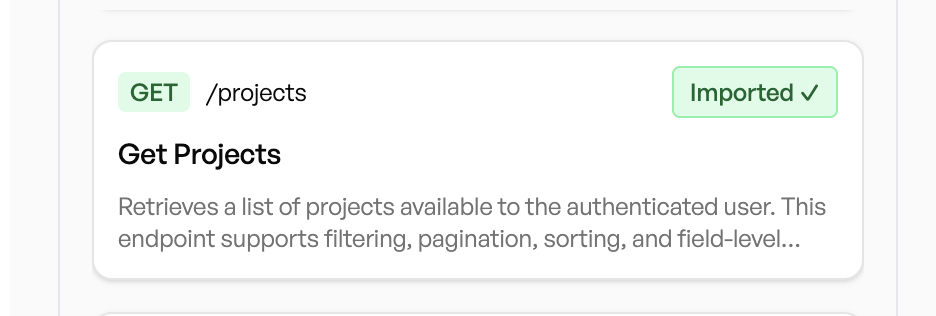
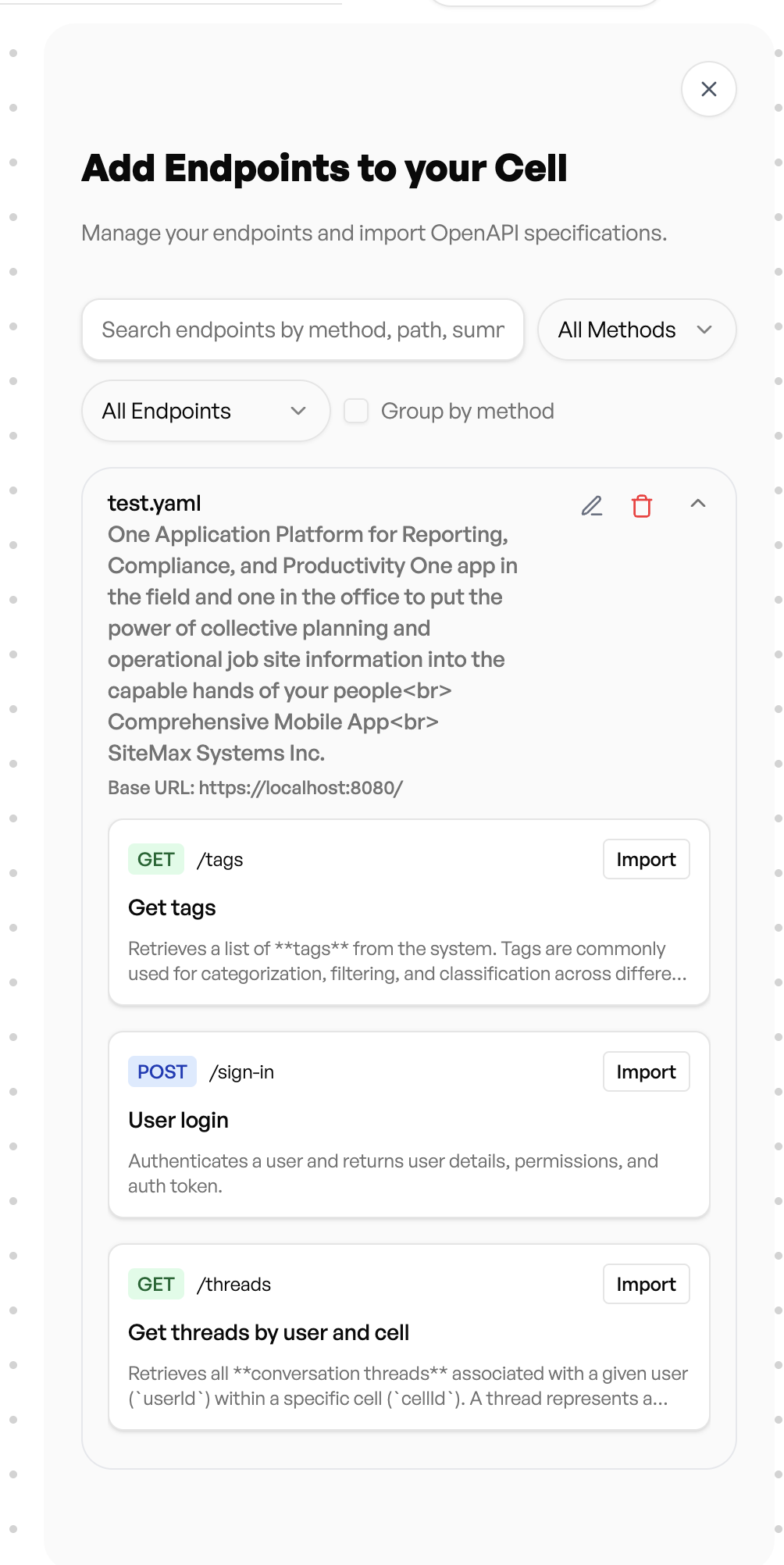 You can review each endpoint, view its details, and **import** the ones you want your Cell to use. Imported endpoints become part of the Cell’s knowledge and action set.
We also support **GraphQL** endpoints. Simply provide the schema in the same upload flow.
After importing, your Cell can call these endpoints in real time, turning your existing API into an interactive agent that your users can chat with or embed directly into your product.
You can review each endpoint, view its details, and **import** the ones you want your Cell to use. Imported endpoints become part of the Cell’s knowledge and action set.
We also support **GraphQL** endpoints. Simply provide the schema in the same upload flow.
After importing, your Cell can call these endpoints in real time, turning your existing API into an interactive agent that your users can chat with or embed directly into your product.