> ## Documentation Index
> Fetch the complete documentation index at: https://docs.opensesame.dev/llms.txt
> Use this file to discover all available pages before exploring further.
# Extra Features & Testing
> Description of your new file.
### Testing
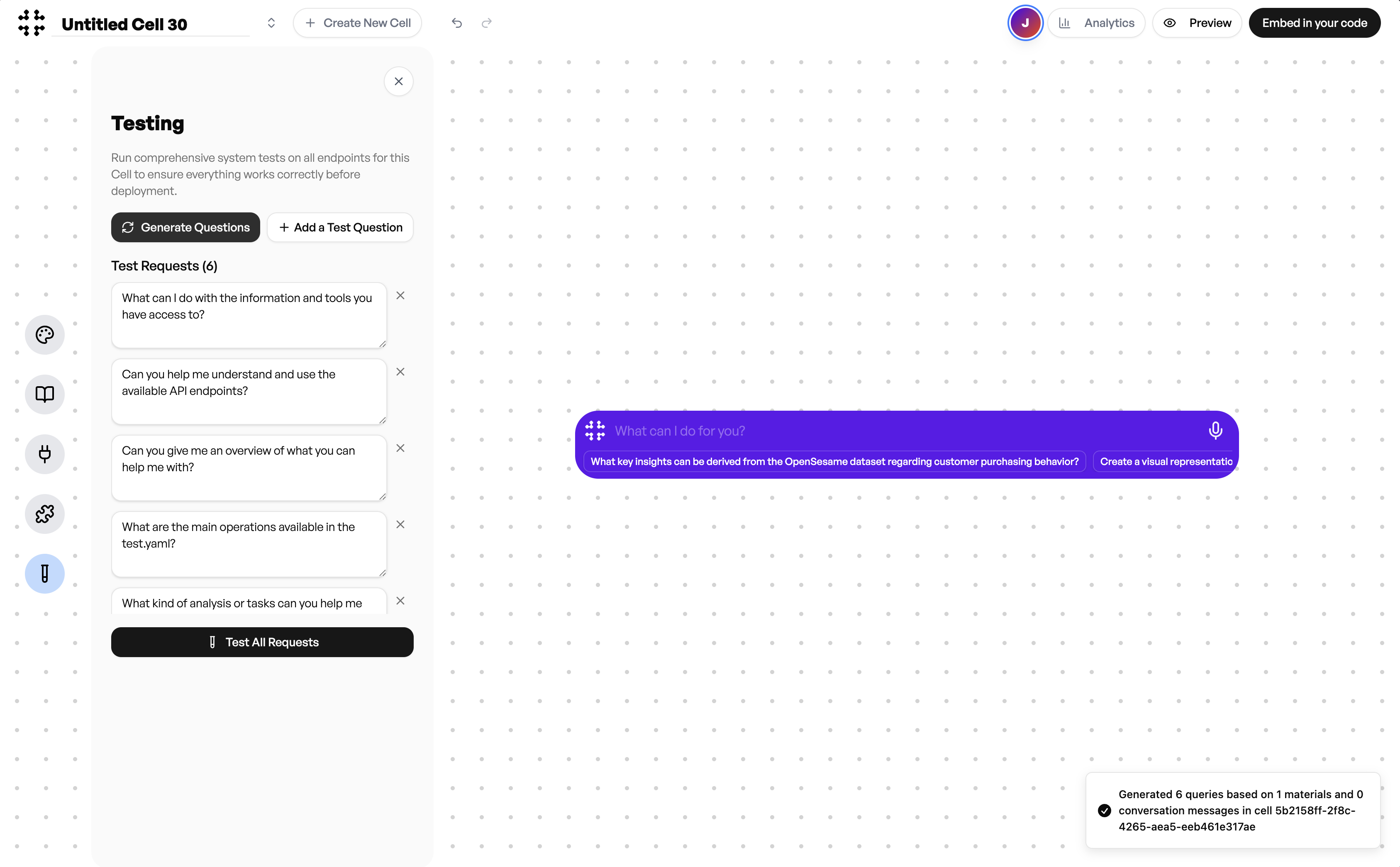
Testing allows you to verify how your Cell performs before deployment. You can automatically generate test questions based on your uploaded context, endpoints, and materials. These questions help you evaluate whether the Cell responds accurately and uses the connected APIs correctly.
Select **Generate Questions** to create sample prompts or add your own under **Add a Test Question**. Once ready, click **Test All Requests** to run them together and review the responses. This helps ensure the Cell is functioning as expected across all available endpoints.
 ### Preview Mode
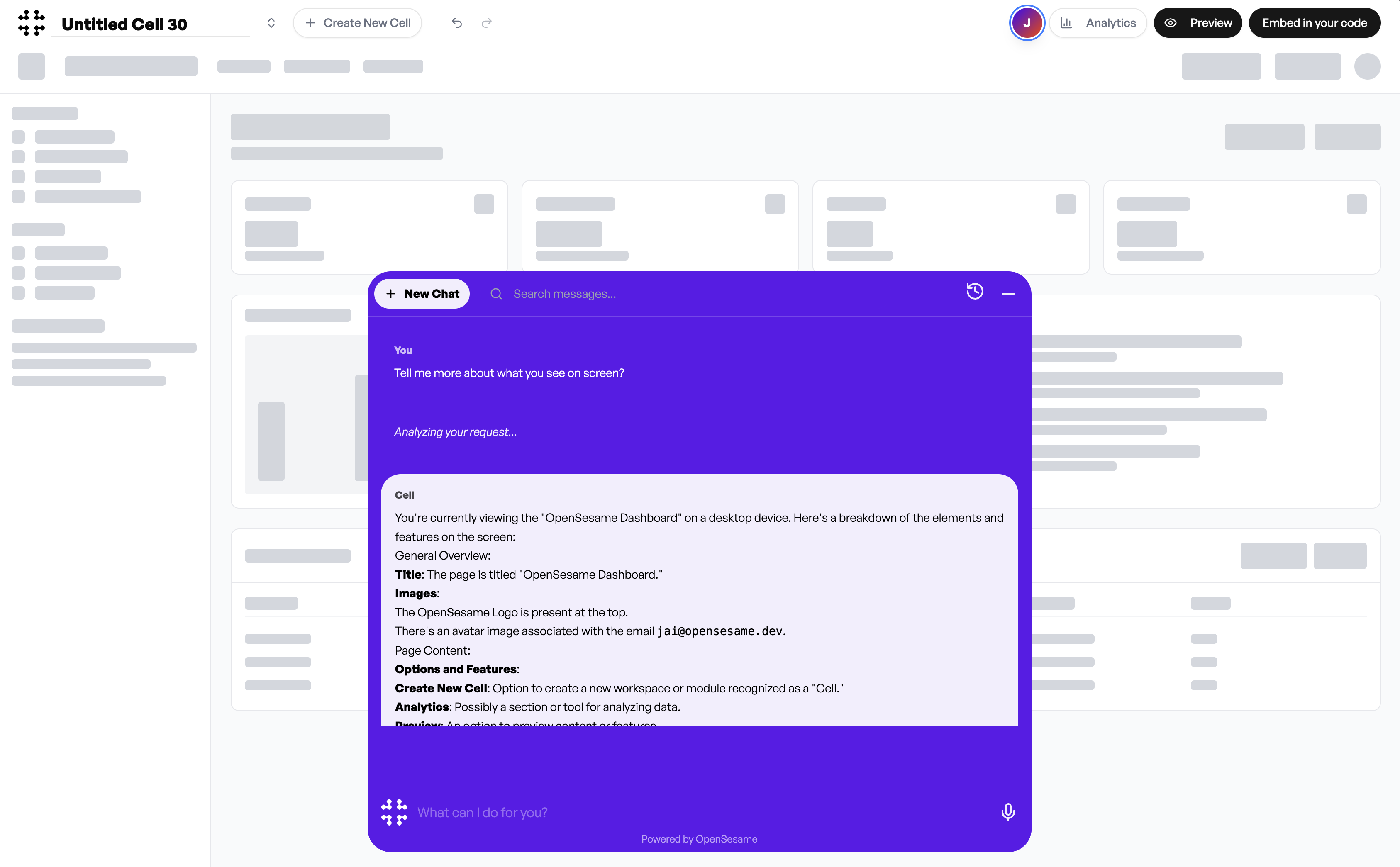
Preview Mode lets you see exactly how your Cell will appear and behave once embedded into your product. The preview is displayed at the bottom center of your screen, allowing you to experience the agent as your end users will.
The Cell has context of what it sees on the page, enabling it to understand and describe on-screen elements. This is useful for applications where the Cell assists users in navigating or explaining what they are viewing.
### Preview Mode
Preview Mode lets you see exactly how your Cell will appear and behave once embedded into your product. The preview is displayed at the bottom center of your screen, allowing you to experience the agent as your end users will.
The Cell has context of what it sees on the page, enabling it to understand and describe on-screen elements. This is useful for applications where the Cell assists users in navigating or explaining what they are viewing.
 ### Analytics
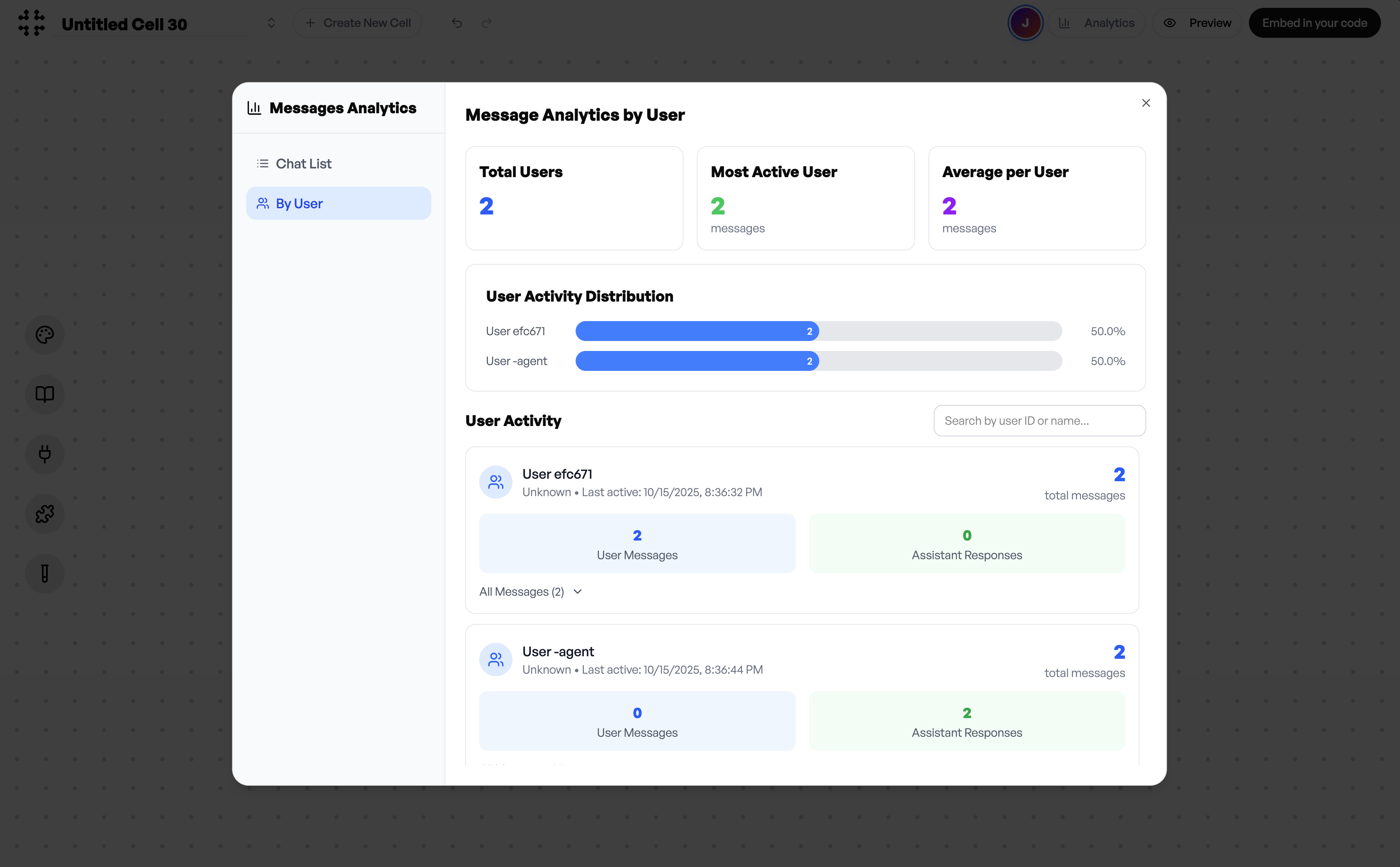
Analytics gives you visibility into how users interact with your Cell after deployment. You can review message activity, user counts, and response statistics directly from the dashboard.
The **Messages Analytics** view provides metrics such as total users, most active users, and average messages per user. You can also drill down into individual user activity using their user ID to view message histories and engagement levels.
These insights help you understand usage patterns, identify improvement opportunities, and measure the real impact of your deployed agent.
### Analytics
Analytics gives you visibility into how users interact with your Cell after deployment. You can review message activity, user counts, and response statistics directly from the dashboard.
The **Messages Analytics** view provides metrics such as total users, most active users, and average messages per user. You can also drill down into individual user activity using their user ID to view message histories and engagement levels.
These insights help you understand usage patterns, identify improvement opportunities, and measure the real impact of your deployed agent.